 Rawebs
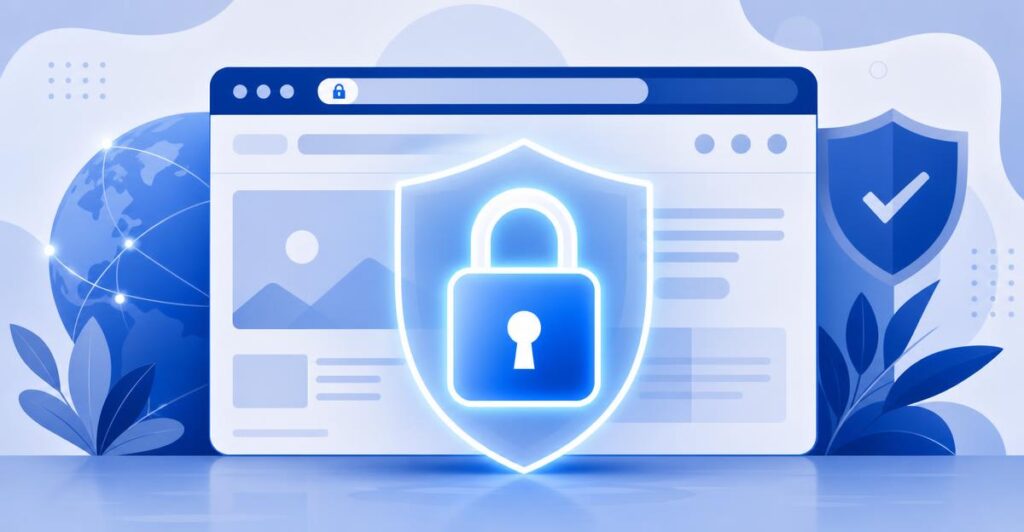
If you’ve ever seen a “Not Secure” warning in your browser’s address bar, you’ll know how quickly it can make a website feel untrustworthy. That warning appears when a site doesn’t have a valid SSL certificate — and for a business website, it’s a problem worth fixing before a customer ever sees it.
What an SSL Certificate Actually Does
An SSL (or more accurately, TLS) certificate encrypts the connection between a visitor’s browser and your web server. Without it, any data submitted through your site — contact forms, login details, payment information — travels in a format that could potentially be intercepted. With it, that data is scrambled in transit and unreadable to anyone snooping on the connection.
It’s Not Just About Online Shops
Many business owners assume SSL is only necessary if they’re taking payments online. In reality, any site with a contact form, a login area, or even just a newsletter sign-up is handling personal data that deserves protection. Google also uses HTTPS as a ranking signal, so a site without SSL can quietly lose ground in search results too.
Customer Trust Starts With the Padlock
Most people won’t consciously check for a padlock icon before browsing a site, but they will notice its absence — especially on a page asking for personal details. That small visual cue does a lot of quiet work in reassuring visitors they’re in the right place.
Getting SSL Set Up Properly
The good news is that installing an SSL certificate no longer needs to be complicated or expensive. Many business hosting plans include one as standard, and for stores or sites with multiple subdomains, options like wildcard certificates cover everything under one roof.
You can browse the certificate options, including free and premium tiers, on our SSL Certificates page, or pair one with a new hosting plan through Business Web Hosting. If you’re not sure which certificate type your site needs, get in touch and we’ll point you in the right direction.